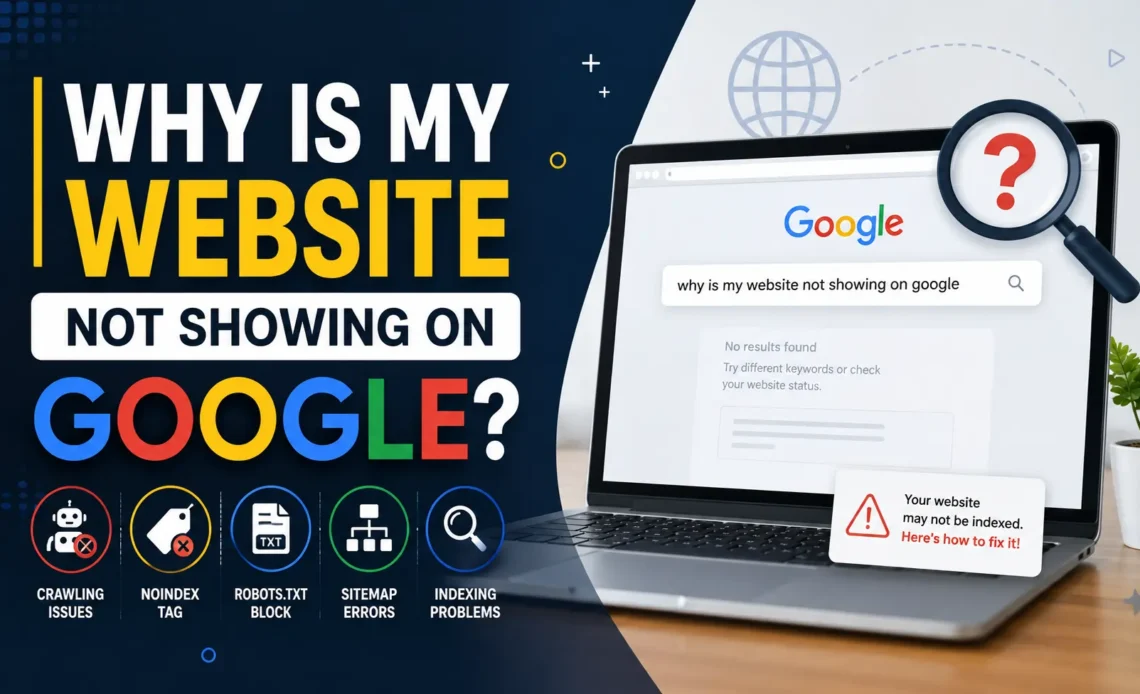
Have you published your website, waited for days, and still found nothing when you search it on Google?
That feeling is stressful. You do the work, write the content, design the pages, and then your site seems invisible.
The good news is that this problem is usually fixable.
In most cases, why is my website not showing on Google comes down to one of a few things: Google has not discovered the page yet, it cannot crawl the page, it is blocked from indexing, or the page is simply too weak to rank well. Google explains that Search works in three stages: crawling, indexing, and serving. It also says that it does not guarantee every page will be crawled, indexed, or shown in results.
What “not showing on Google” really means
When people say my website is not showing on Google, they often mean one of several different problems.
Sometimes the page is not discovered at all.
Sometimes Google knows the page exists, but it has not indexed it.
Sometimes the page is indexed, but it ranks too low to appear for the search terms you tested.
That difference matters because each problem needs a different fix. Google’s documentation makes this clear by separating crawling, indexing, and serving into different steps.
1. Your website is too new
A new website often takes time to appear in Google Search.
Google’s crawlers usually find pages by following links from other pages or by reading sitemap information. If a new site has few external links and weak internal linking, discovery can be slow. Google also says a sitemap can help search engines discover URLs, especially on new sites with few links pointing to them.
So if you just launched your site, the issue may not be a technical error. It may simply be that Google has not found enough signals yet.
2. Google cannot crawl the page
If Google cannot crawl a page, it cannot properly evaluate it.
One common reason is robots.txt. Google says robots.txt tells crawlers which URLs they can request, but it is not a proper method for keeping a page out of Google Search. If you want to block indexing, Google recommends using noindex or password protection instead.
This is a very common mistake on new websites. A single line in robots.txt can stop important pages from being crawled.
3. A noindex tag is blocking the page
A noindex tag tells Google not to index a page.
Google says a noindex rule can block a page from appearing in Search results. It can be added in a meta tag or in an HTTP response header. Google also warns that if the page is blocked by robots.txt, the crawler may never see the noindex rule at all.
This happens a lot on WordPress sites, staging sites, and newly migrated websites. Sometimes the site is live, but the developer forgot to remove a “discourage search engines” setting.
If your website not showing on Google problem started after a redesign or migration, this is one of the first things to check.
4. You do not have a sitemap, or it is not submitted
A sitemap helps Google discover your URLs more efficiently.
Google says a sitemap is helpful, but it does not guarantee that every URL will be crawled or indexed. It is especially useful for large sites, new sites with few external links, and sites with rich media content. Google also recommends submitting the sitemap in Search Console so you can see when Googlebot accessed it and whether there were processing errors.
A sitemap does not magically rank your site.
But without one, discovery is often slower, especially if your site is small, new, or poorly linked.
5. Your internal linking is weak
Google can usually discover most pages if your site is properly linked.
That means your important pages should be reachable through your menu, categories, footer, or other pages on your site. Google says properly linked pages are easier to discover, and that a sitemap becomes more useful when internal linking is weak or the site is large.
If your homepage is the only page linked properly, Google may struggle to reach your deeper pages.
This is a hidden reason many people ask, why is my website not showing on Google, even when the site looks complete from the outside.
6. Your page has a bad HTTP status code
Google uses HTTP status codes to understand whether a page can be crawled or indexed.
Google’s documentation says meaningful status codes matter. For example, a 404 can tell Google that a page does not exist, while a 401 can signal that the page is behind login. Google also says that pages returning certain client errors are not indexed, and previously indexed URLs can be removed over time.
This matters if your site is returning error pages, broken redirects, or temporary server problems.
A page that loads badly for users is often just as bad for Googlebot.
7. The page is blocked by login, password, or access rules
If the page is private, Google cannot index it properly.
Google explains that password protection is one of the ways to keep content out of Search. It also says that to keep a page out of Google, you should block indexing with noindex or password-protect the page.
This is fine for private dashboards, member areas, or staging sites.
It is not fine for your main public website pages.
8. You have not checked Google Search Console
Search Console is one of the fastest ways to diagnose the problem.
Google recommends using the URL Inspection tool to see how Google views a page. The tool can show the current index status and can also help you request a recrawl. Google’s SEO Starter Guide also points users to URL Inspection to check how Google sees a page.
If you are wondering why is my website not showing on Google, Search Console should be your first stop.
It gives you real signals instead of guesswork.
9. Your page is indexed but not ranking
Sometimes the page is already in Google, but not where you expect.
That means the problem is not indexing. It is ranking.
Google’s systems can crawl and index your page, but if the page is thin, unhelpful, poorly optimized, or competing with stronger pages, it may sit very low in the results. Google’s Search documentation is clear that not every page gets shown, and not every page that is crawled is guaranteed to rank.
This is why it is important to search your exact brand name, URL, and title separately.
Sometimes the site is there. It is just buried.
10. Your content is not strong enough to earn visibility
Google prefers pages that help users.
If your content is too short, too thin, duplicated, or vague, it may not deserve visibility yet. Google’s documentation repeatedly pushes site owners toward helpful, reliable, people-first content and strong technical setup.
That means the page should answer a real question clearly.
It should not just repeat the keyword.
It should explain the problem, show the fix, and make it easy for a user to trust the page.
11. Google has not recrawled your updates yet
Even after you fix a problem, Google may take time to revisit the page.
Google says it has to crawl a page to see things like noindex tags and headers. It also says recrawling can take time, and in some cases Googlebot may not revisit a page for months depending on its importance. You can request a recrawl through the URL Inspection tool.
This is one reason people think their fix did not work.
In reality, Google may just not have seen the update yet.
How to check your website fast
Here is the simplest checklist.
First, search your domain on Google using site:yourdomain.com. This helps you see whether Google has indexed any pages.
Second, open Google Search Console and use URL Inspection on the exact page that is missing.
Third, check robots.txt and make sure you are not blocking important URLs.
Fourth, look for noindex tags in the page source or in your CMS settings.
Fifth, make sure the page is in your sitemap and that the sitemap is submitted in Search Console. Google’s documentation recommends exactly these tools for diagnosing crawling and indexing problems.
How to fix the problem step by step
Start with crawlability.
Make sure Google can reach the page without being blocked by robots.txt, login walls, or server errors. Then remove any accidental noindex settings. After that, submit or resubmit your sitemap and request a recrawl in Search Console. Google’s docs support all of these steps as core indexing checks.
Then improve internal links.
Link to the page from your homepage, menu, relevant blog posts, and category pages. This helps Google discover it faster and understand its importance. Google says properly linked pages are easier to discover.
Then improve the page itself.
Make the page useful, specific, and easy to understand. Add a clear title, a strong intro, headings, and enough depth to answer the searcher’s question fully.
How long does it take to show on Google
There is no fixed time.
Google does not guarantee crawl, indexing, or serving. That means a page may appear quickly, or it may take longer depending on the site, links, crawlability, and technical quality. Google also notes that recrawling can take time, especially after changes like noindex.
So patience matters.
But patience alone is not enough.
You still need to make sure the page is discoverable, crawlable, indexable, and useful.
Common mistakes to avoid
Do not assume a sitemap alone will fix everything.
Do not leave noindex active after launch.
Do not block important pages in robots.txt.
Do not publish thin content and expect instant rankings.
Do not ignore Search Console.
These are the same technical and content issues that Google’s documentation repeatedly points site owners toward when discussing crawling and indexing.
Final thoughts
If you are still asking why is my website not showing on Google, the answer is usually not one big mystery.
It is often a small technical block, weak discovery, missing sitemap help, accidental noindex, or content that is not strong enough yet.
The best approach is simple. Check crawlability. Check indexability. Check Search Console. Check your sitemap. Check your internal links. Then improve the page itself.
Once those pieces are in place, your website has a much better chance of appearing in Google Search and staying there. Google’s own documentation supports this exact workflow: help crawlers find your pages, make sure nothing blocks indexing, and use Search Console to verify what Google sees.
